
Start with the workflow
Choose a category before choosing a vendor. Workforce tools address staffing; QA tools review interactions; SLA tools manage service targets; task tools coordinate work; reporting tools explain performance; commitment tools preserve promises made inside conversations.
Where Promise fits
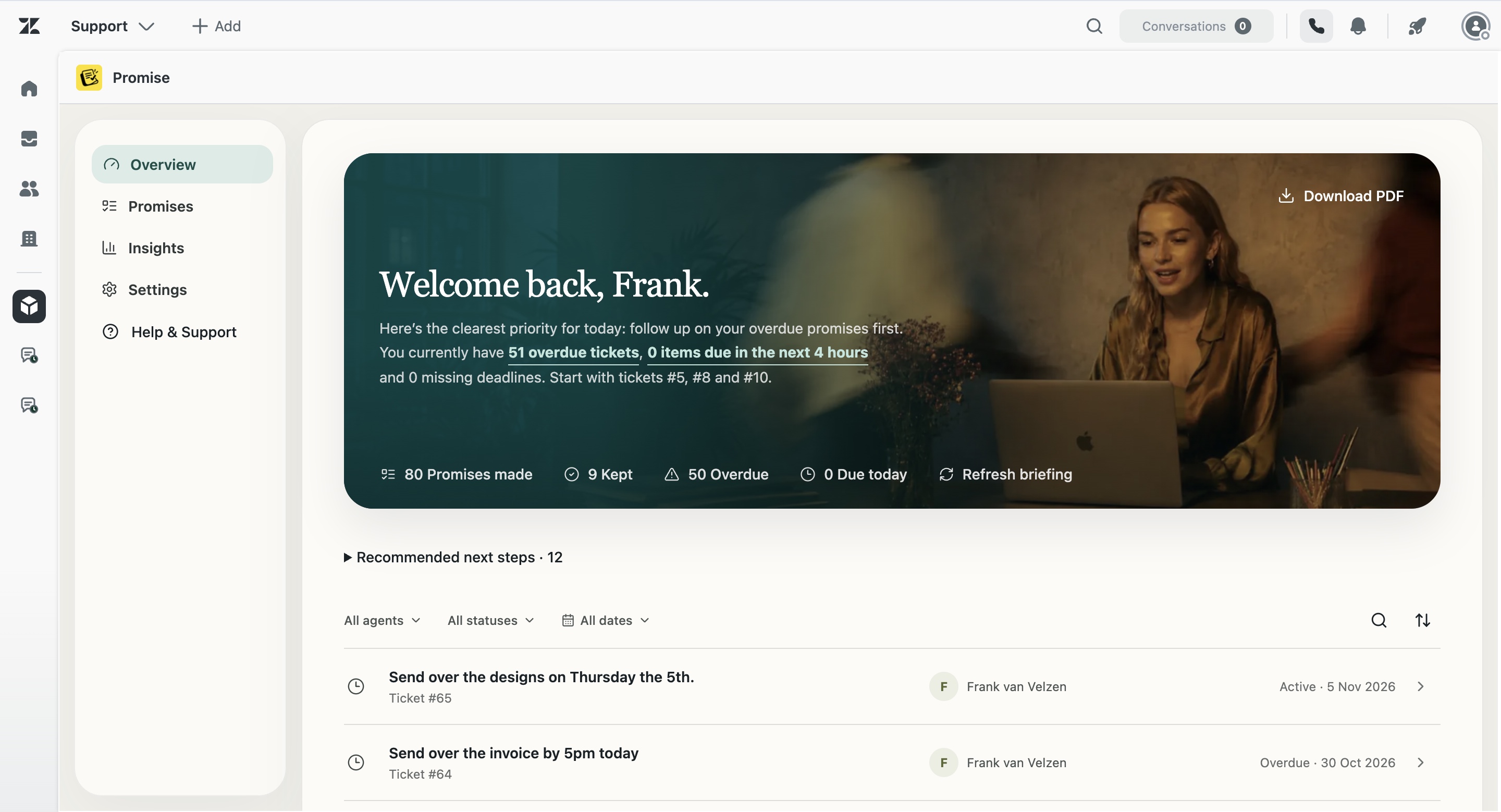
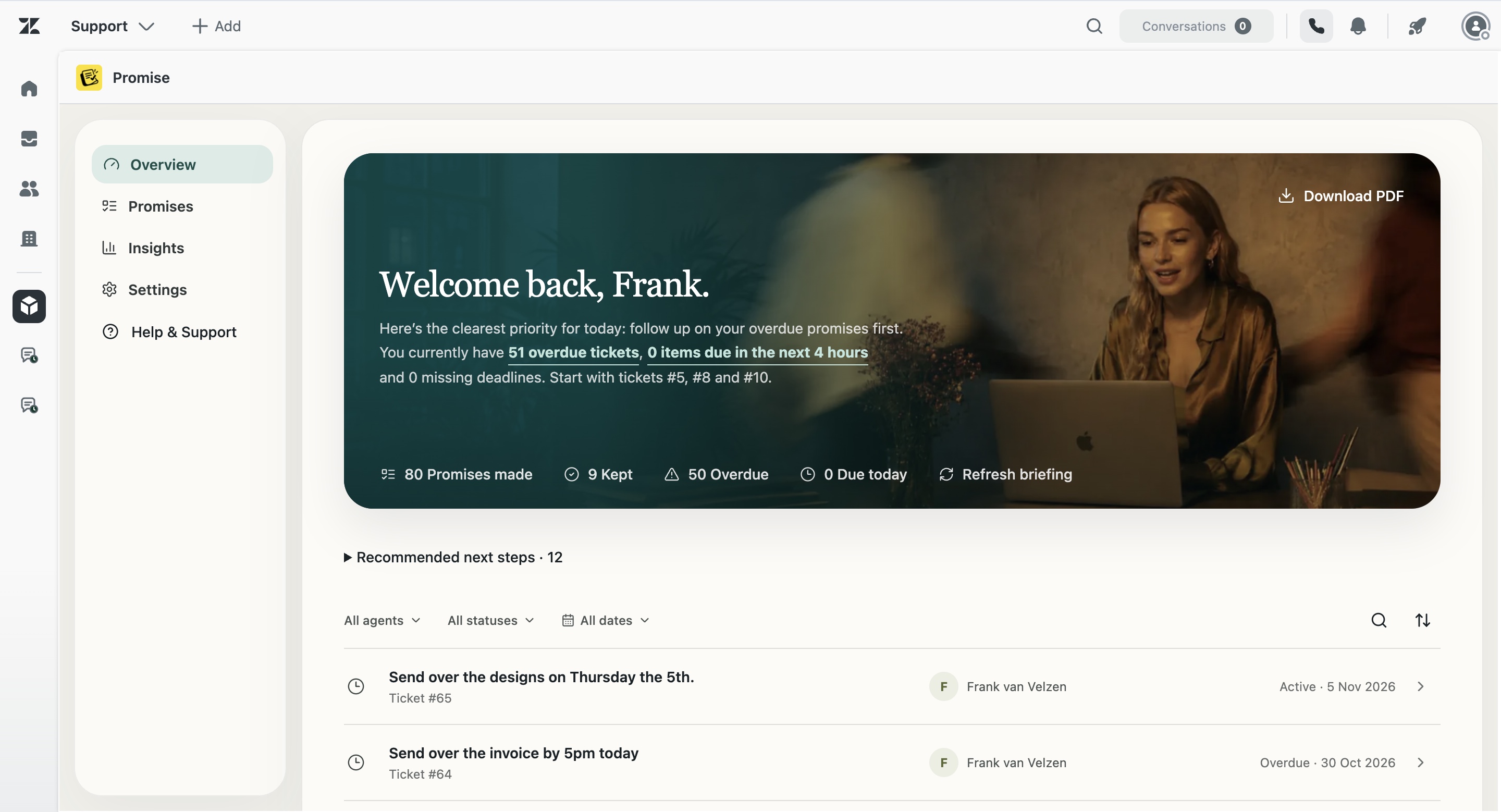
Promise is relevant when the missing object is a specific customer promise. It is not a workforce scheduler, QA suite or general project-management platform. Its role is to detect, track and surface customer commitments inside Zendesk.
A fair evaluation
Test the app with real but privacy-safe scenarios. Check agent effort, false positives, admin controls, ticket links, manager visibility, accessibility, security answers and what happens when the AI is wrong. Avoid “best” lists that ignore the actual job.
How Promise handles this in Zendesk
Promise is built around the commitment as a separate operational object. It keeps the original wording, a concise summary, owner, due date, status and source ticket together. Agents can review and correct the record. Managers can see team status and open the underlying ticket before acting.
Promise costs $5 per agent/month and is not yet live on the Zendesk Marketplace. AI results can be incomplete or incorrect, so the product supports human review rather than claiming perfect detection.
Examples from real support work
I’ll check with the warehouse and update you tomorrow.
I’ll ask engineering and come back to you Friday.
I’ll confirm with the hotel and update you this afternoon.
I’ll contact the carrier and send the latest status tomorrow.
Questions about Zendesk productivity apps
Is Promise the best Zendesk productivity app?
No universal ranking is claimed. Promise is specifically designed for customer commitment tracking.
Should one app solve every workflow?
Usually not. Clear category boundaries reduce overlap and administration.
What should I test first?
Use representative replies, due dates, missed detections and manager review scenarios.