
Spreadsheet strengths
A spreadsheet is inexpensive, easy to customize and useful for proving the process before buying software. Teams can define columns and review work together.
Spreadsheet limitations
Agents must enter each row, standardize dates, maintain owners, paste ticket links and update status. Data quality can fall as volume and handovers increase.
Promise differences
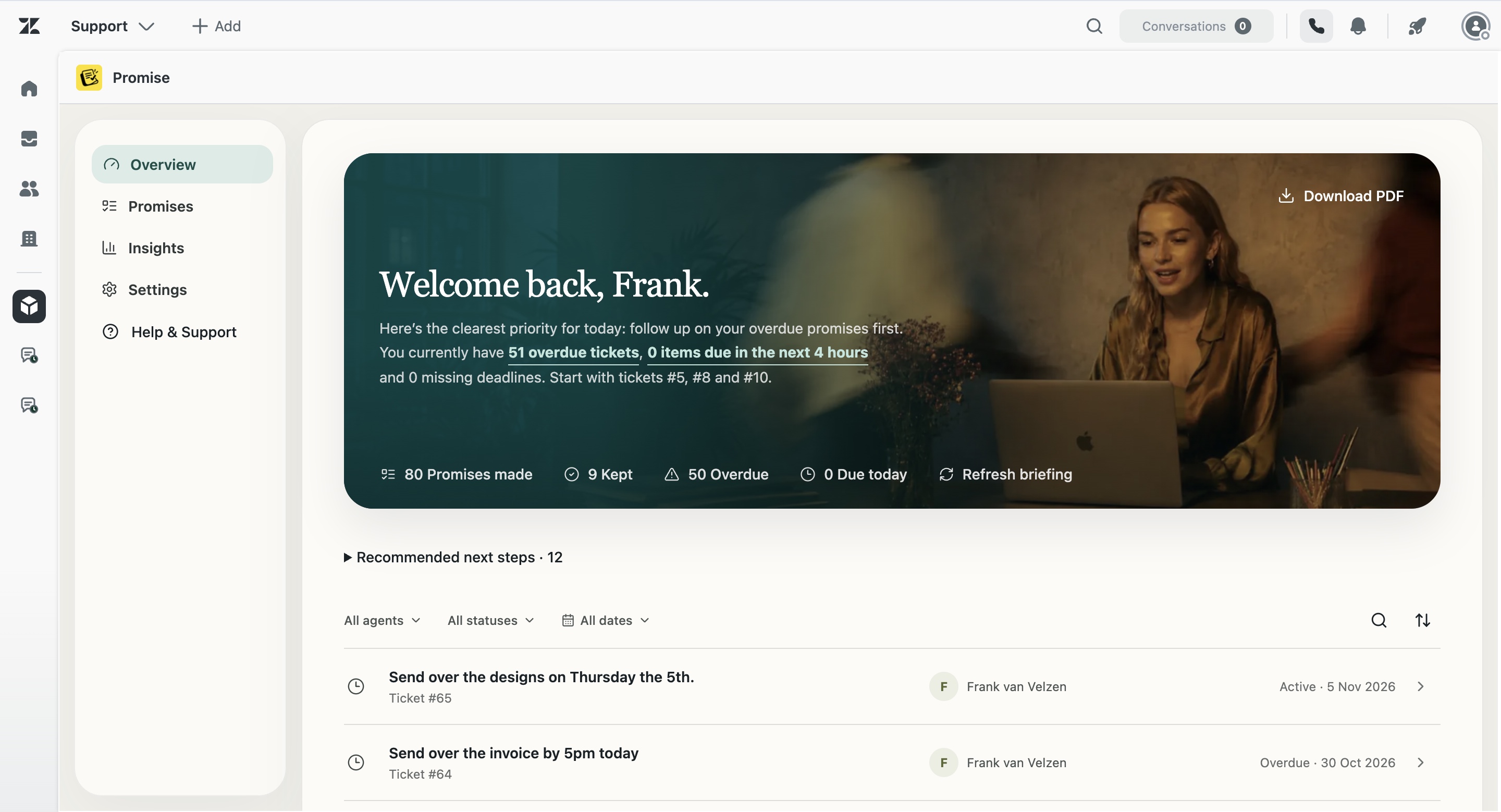
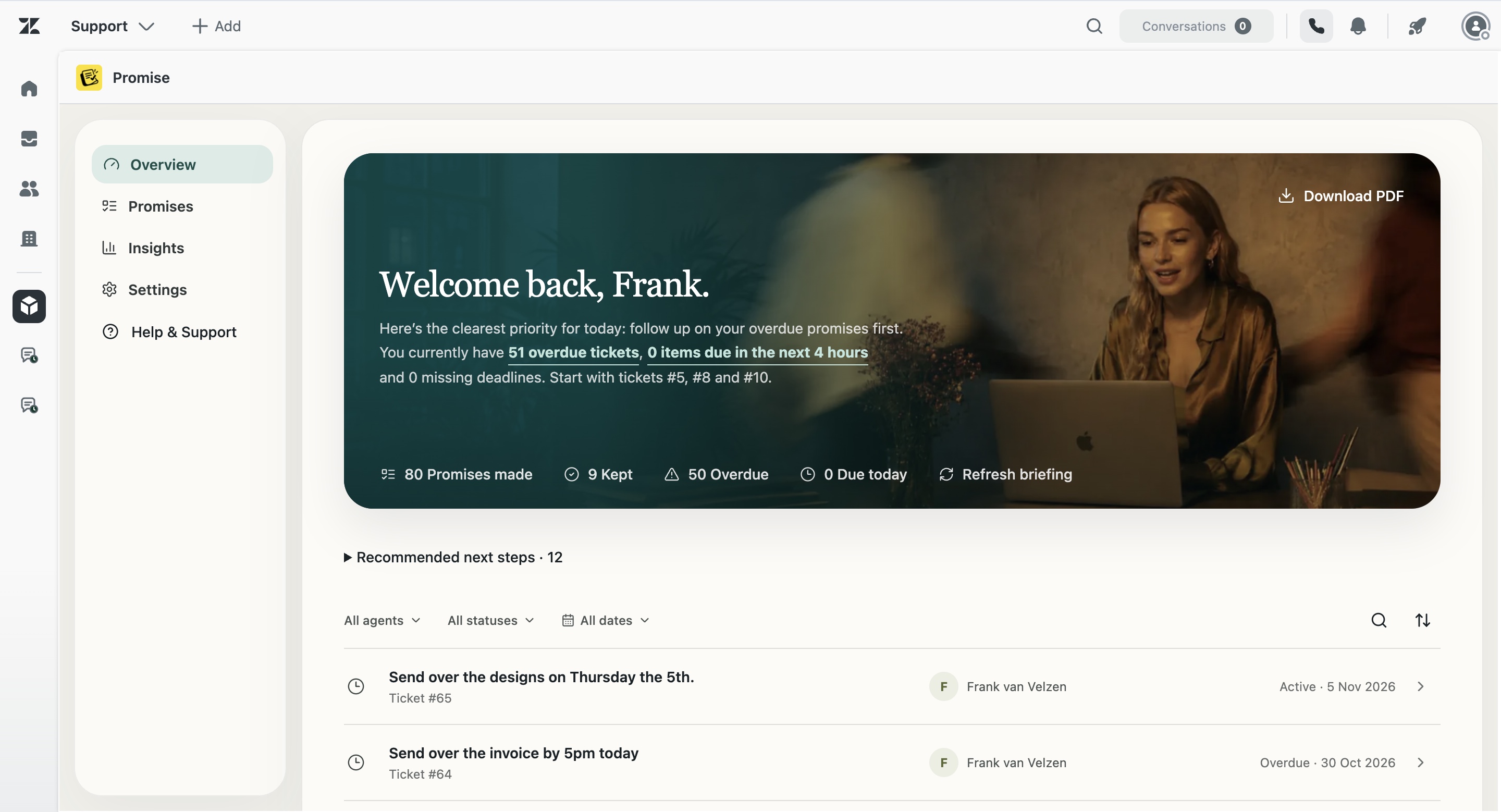
Promise detects commitment language, creates structured records and provides personal, team, briefing and activity views. A spreadsheet remains useful for ad hoc analysis or migration, not necessarily the live workflow.
How Promise handles this in Zendesk
Promise is built around the commitment as a separate operational object. It keeps the original wording, a concise summary, owner, due date, status and source ticket together. Agents can review and correct the record. Managers can see team status and open the underlying ticket before acting.
Promise costs $5 per agent/month and is not yet live on the Zendesk Marketplace. AI results can be incomplete or incorrect, so the product supports human review rather than claiming perfect detection.
Examples from real support work
I’ll check with the warehouse and update you tomorrow.
I’ll ask engineering and come back to you Friday.
I’ll confirm with the hotel and update you this afternoon.
I’ll contact the carrier and send the latest status tomorrow.
Questions about Promise vs spreadsheets
Should a small team start with a spreadsheet?
It can be a sensible way to learn the workflow and required fields.
Can Promise export data?
The current interface includes browser-side reporting; confirm final export requirements before launch.
Does Promise replace every spreadsheet?
No. It replaces only the commitment-tracking job it is designed for.