
Why a reminder needs context
“Follow up Friday” is less useful than “Send the corrected invoice Friday—ticket #4778.” Context helps the agent act without reconstructing the conversation.
Native and manual options
Zendesk teams may use ticket status, views, tags, custom fields, triggers, side conversations or internal notes. Calendar and task tools can add personal reminders. The tradeoff is manual capture and context split across systems.
How Promise handles reminders
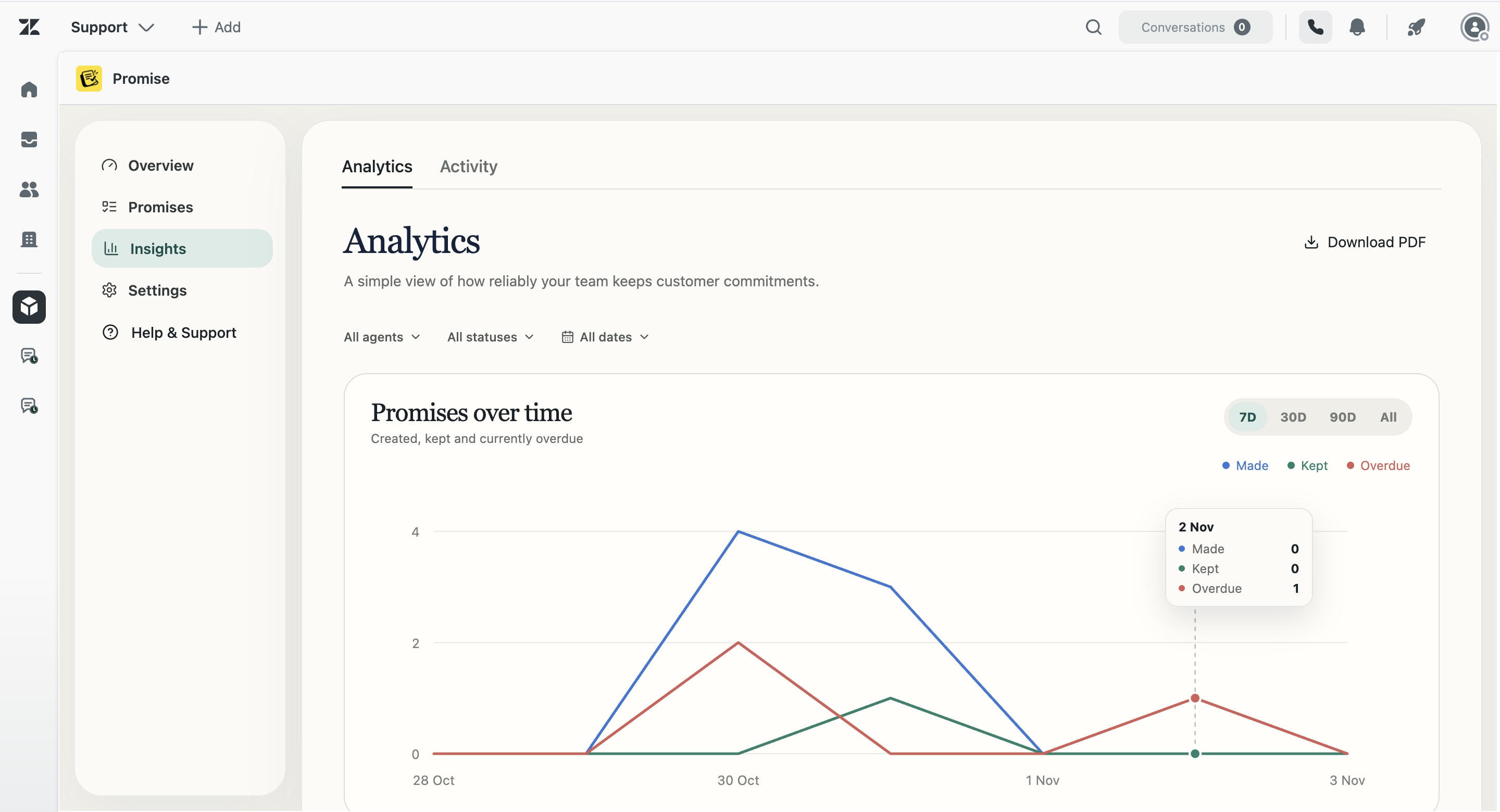
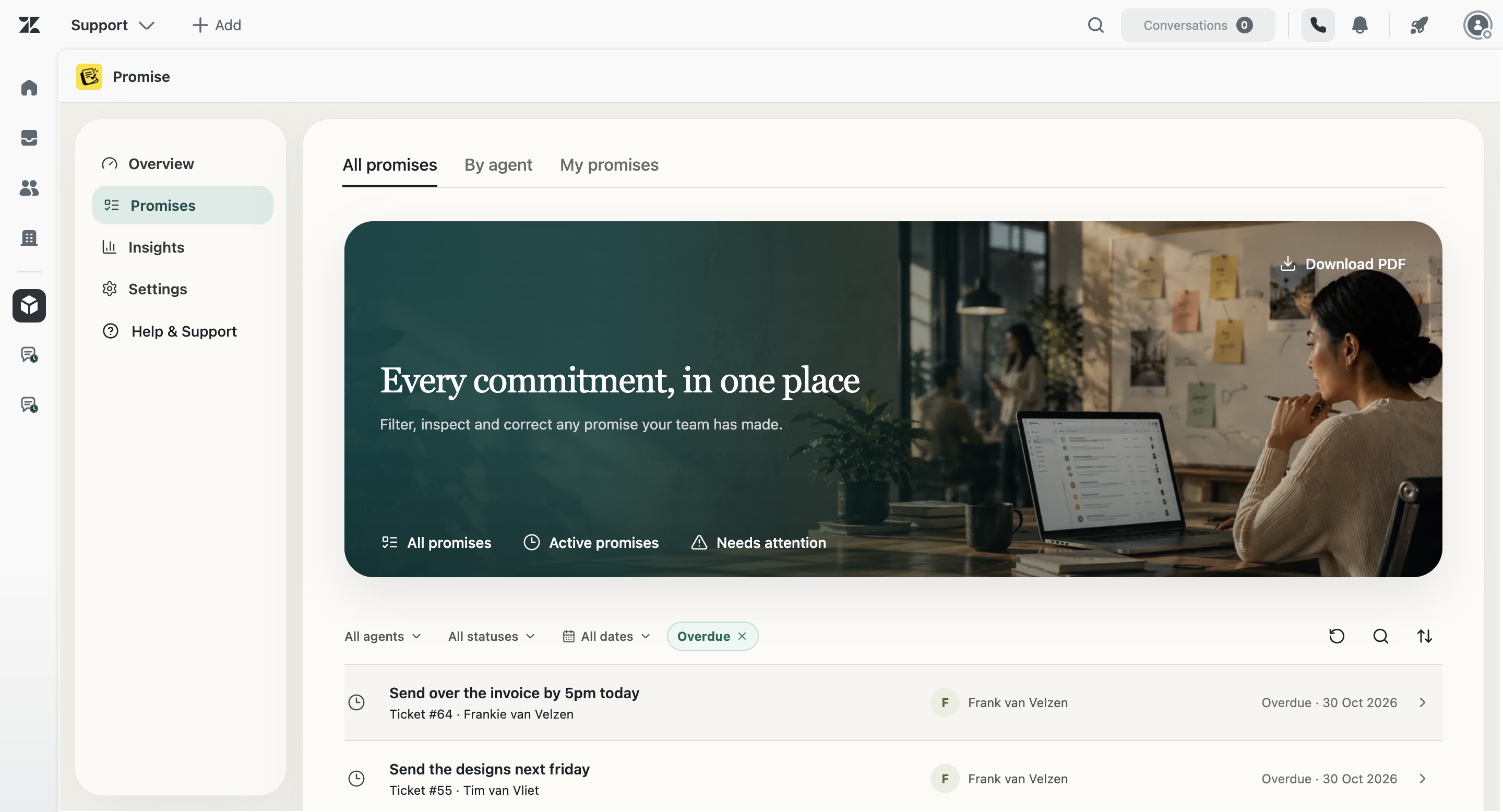
Promise keeps the commitment record, deadline, owner and source ticket together. Settings cover reminder timing, dashboards, private ticket notes, tags, overdue grace and repeat behavior. Public customer replies are not sent automatically.
How Promise handles this in Zendesk
Promise is built around the commitment as a separate operational object. It keeps the original wording, a concise summary, owner, due date, status and source ticket together. Agents can review and correct the record. Managers can see team status and open the underlying ticket before acting.
Promise costs $5 per agent/month and is not yet live on the Zendesk Marketplace. AI results can be incomplete or incorrect, so the product supports human review rather than claiming perfect detection.
Examples from real support work
I’ll check with the warehouse and update you tomorrow.
I’ll ask engineering and come back to you Friday.
I’ll confirm with the hotel and update you this afternoon.
I’ll contact the carrier and send the latest status tomorrow.
Questions about Zendesk follow-up reminder
Does Promise send reminder emails?
No email reminder claim is made here. Verified channels include the product dashboard and configurable private Zendesk notes.
Can reminder timing be changed?
Yes. Reminder offset and overdue grace appear in the compiled settings.
Can reminders run only in business hours?
The compiled settings include a business-hours-only option.